Loading

Snipora
Text expander for Mac that turns short abbreviations into full snippets in any
snipora.appFreemiummacOS, Web
- Launching in week 50
 by Anmol Sethi
About Snipora
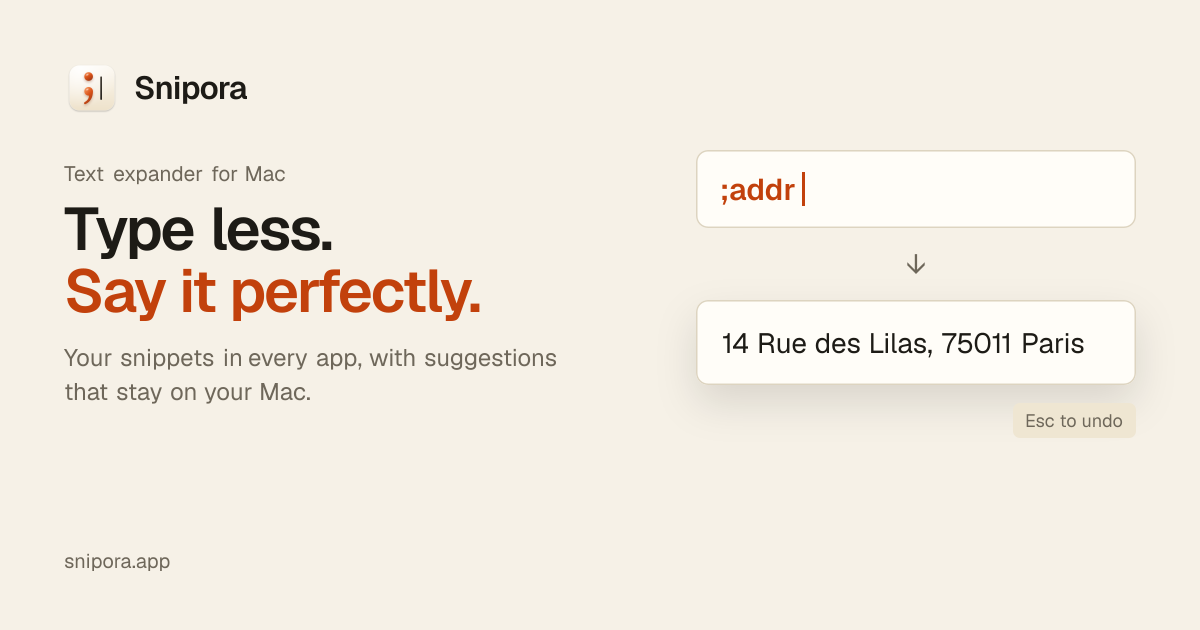
Snipora is a text expander for macOS that lives in the menu bar. You create a snippet with an abbreviation, such as ;addr for your address or ;sig for an email signature, and type it in any Mac app. Snipora pastes the full text in its place, keeping formatting and emoji intact, and puts your clipboard back afterwards. If you expand by mistake, pressing Esc restores the abbreviation as you typed it.
Snippets can do more than paste fixed text. A snippet can open a small form to fill in a name or pick an option from a list, insert a date such as two weeks from today, generate a password or a unique ID, or contain a reference to another snippet. Expansion can run instantly, after a space, or only when you press Tab. Snipora also includes a search picker, a snippet-from-selection shortcut, optional Markdown and image support, and a command-line tool for adding and listing snippets from Terminal.
It is built for Mac users who write the same replies, addresses or signatures every day, including people who use Mail, Slack, Notion, Xcode or Terminal. Snipora can import snippets from macOS Text Replacements, TextExpander, Espanso, Alfred and Raycast, and it reports anything that cannot be carried over. Snippets are stored on your Mac, with optional iCloud Drive sync, and the app does not require an account.



Discussion