Loading

Walkcast
Turns a live website into a narrated video tour with captions and a transcript
walkcast.kunjshah.inOpen sourceWindows, Linux, Web
Founding
- Launching in week 51
 by KUNJ SHAH
About Walkcast
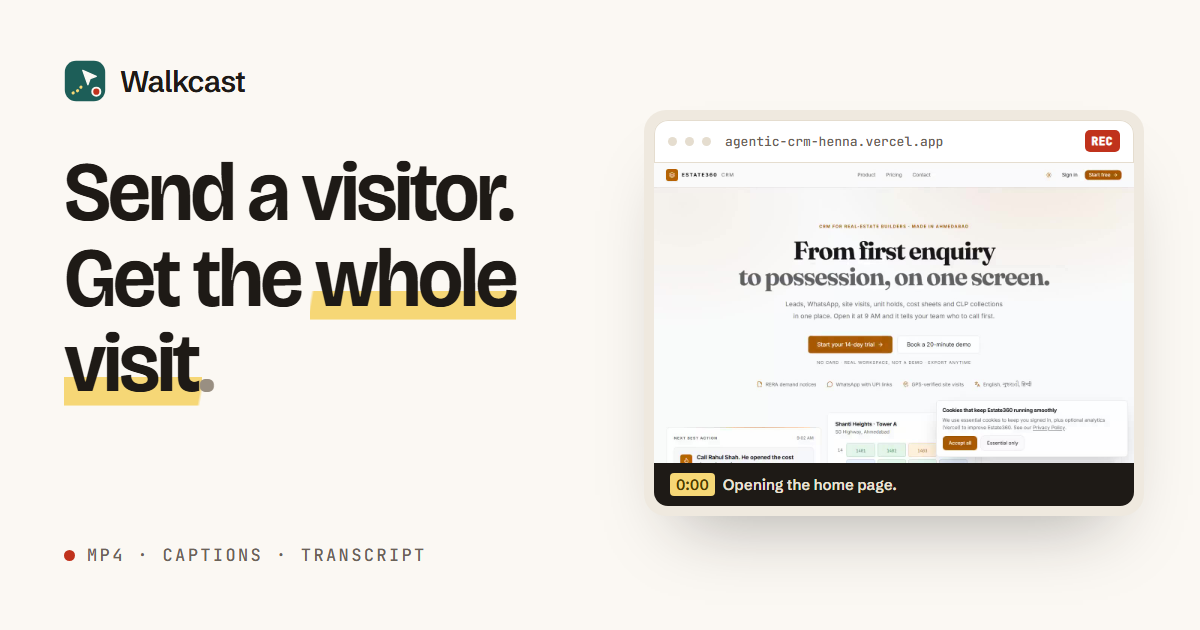
Walkcast is a desktop app for Windows and Linux that records a video tour of a website from a single link. It opens the site in a real Chromium browser, can sign in with the credentials you provide, visits up to 30 pages (8 by default) the way a first-time user would, and scrolls each page. It never submits a form, and it skips sign-out, delete, cancel and unsubscribe links. When the visit finishes, it returns an MP4 and WebM of the whole recording, WebVTT captions, a plain text transcript, a page list with HTTP status codes, and a written step-by-step guide. A voice-over is available with your own ElevenLabs or OpenAI key, or with a basic offline voice.
The narration and captions are written from what the browser actually did during the visit, not from a script. Recordings stay on your computer, and the app can run on a schedule or send a webhook when a run finishes. The app is MIT licensed and free to download, and the site says it has no trial clock and no watermark on the video.
Walkcast is aimed at people who want a walkthrough of a site they own or are allowed to test, such as founders preparing a product demo, marketers building onboarding material, or teams writing help articles or QA evidence. It is not a screen recorder or a video editor, and it does not produce mockups.





Discussion
No comments yet.
Have a question for the makers?
Sign in to leave a comment.