Loading

Zipora
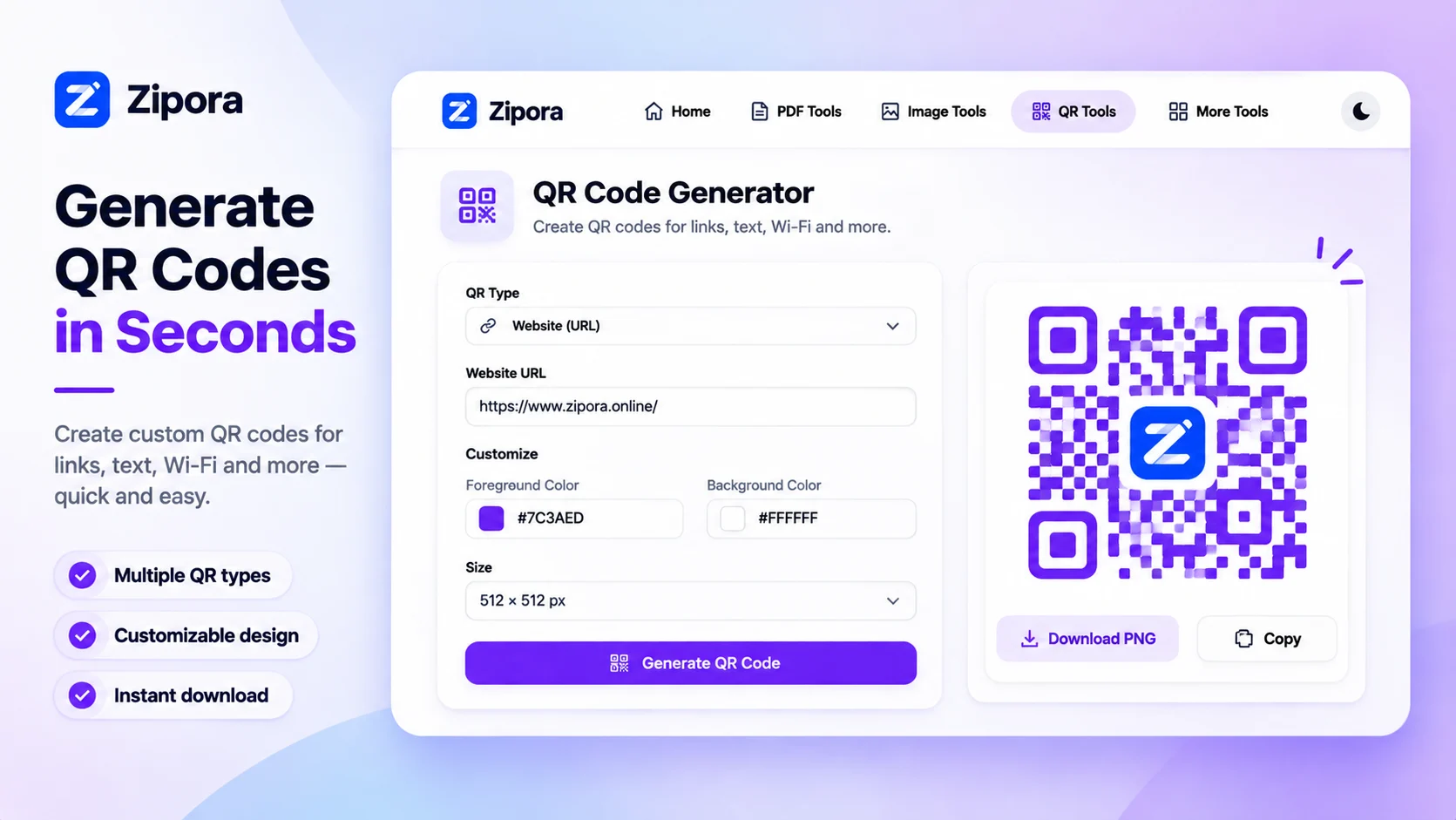
Free browser tools to merge, split, compress and convert PDFs, images and QR
Founding
- Launching in week 49
 by Preetham
Loading
Free browser tools to merge, split, compress and convert PDFs, images and QR
by Preetham PetalEdit, merge, split and convert PDFs by describing the change in plain wordsAI
 FindUpAppA free directory where developers & fans list mobile apps for organic discovery.Developer tools
 ihateimg.cvBrowser-based image and PDF tools that never upload your filesConsumer apps
 ApexCalcFree online calculators for medicine, engineering, finance and scienceEducation
FindUpApp vs Zipora
ihateimg.cv vs Zipora
ihatepdf.cv vs Zipora
Timecard vs Zipora
100+ directories and launch sites, sorted by Domain Rating. 125 are free to list on, and 51 give a do-follow link.
Discussion
No comments yet.
Have a question for the makers?
Sign in to leave a comment.